

소개
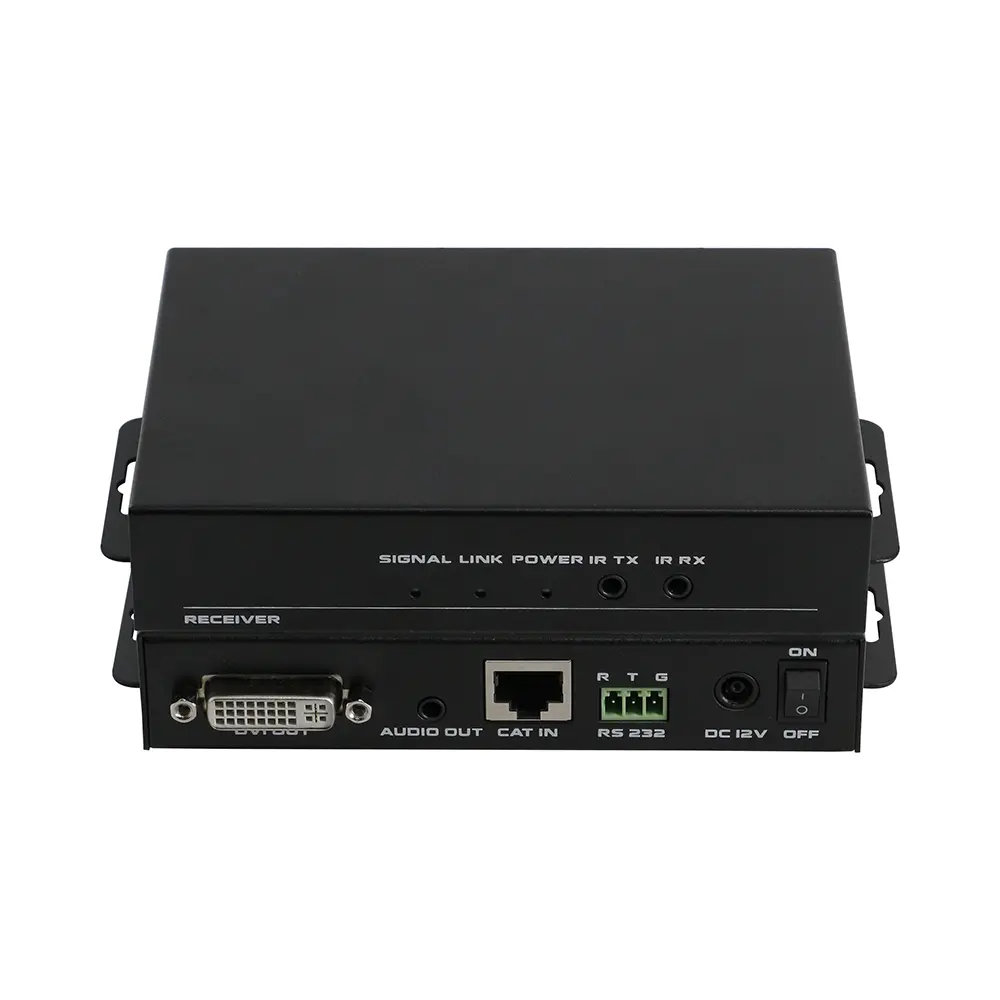
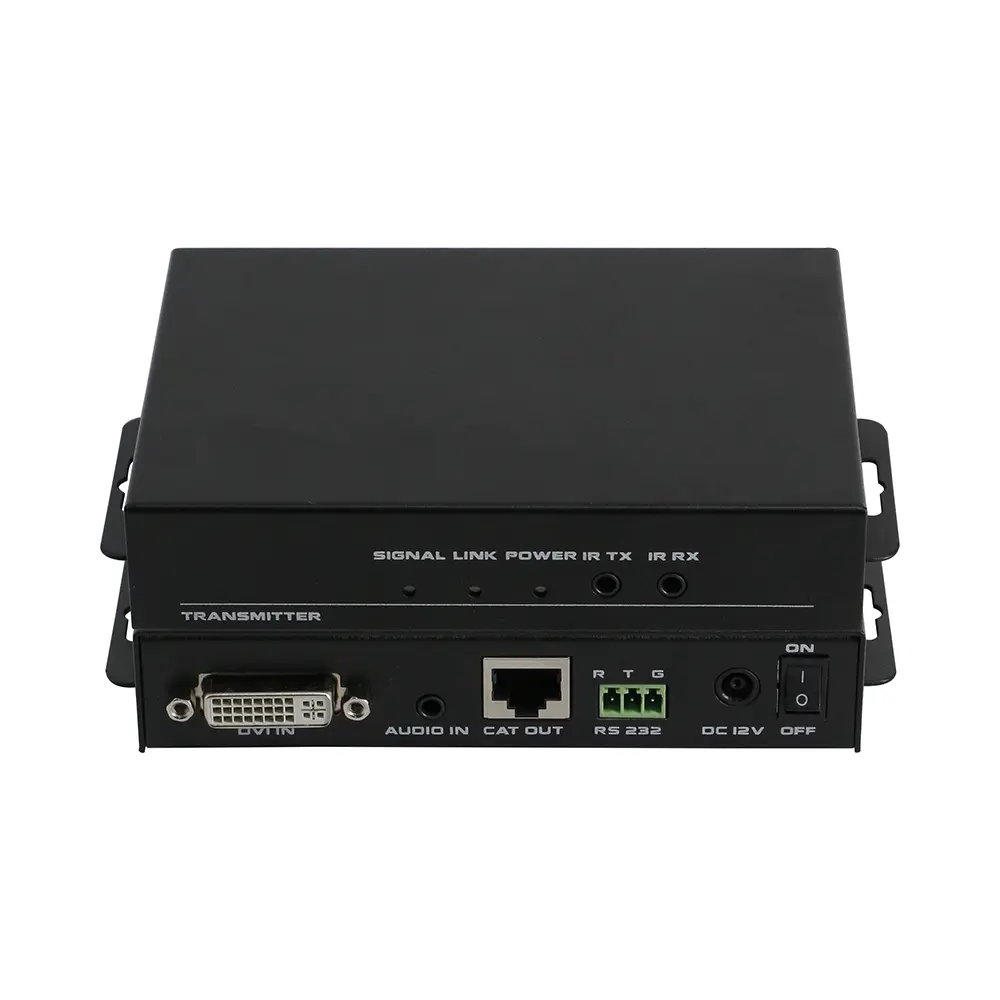
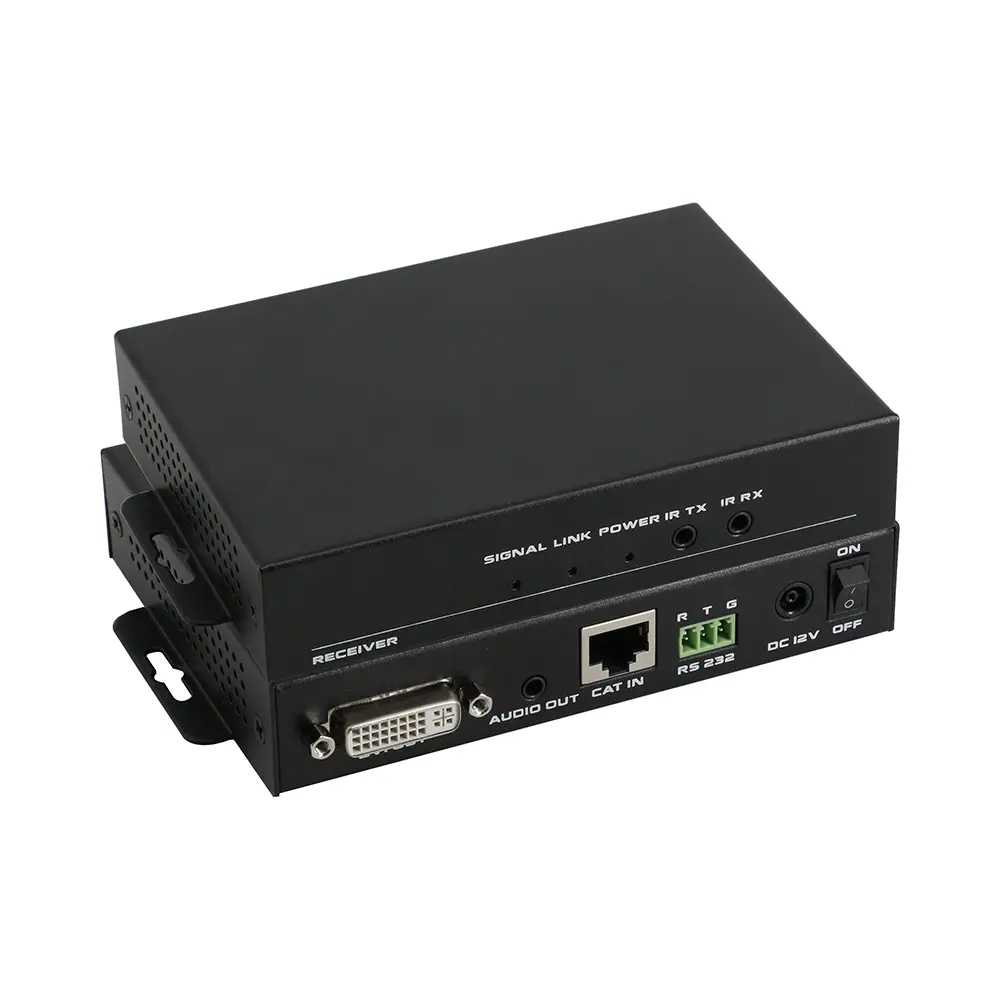
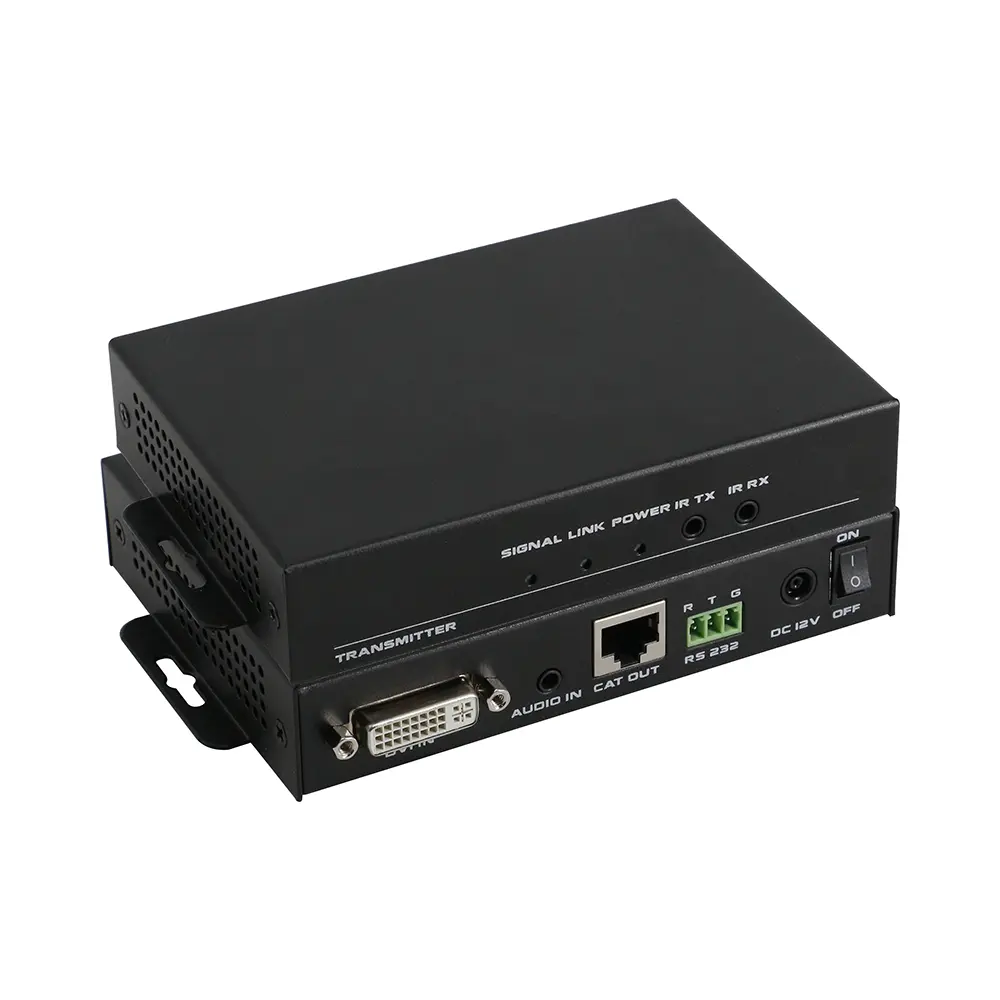
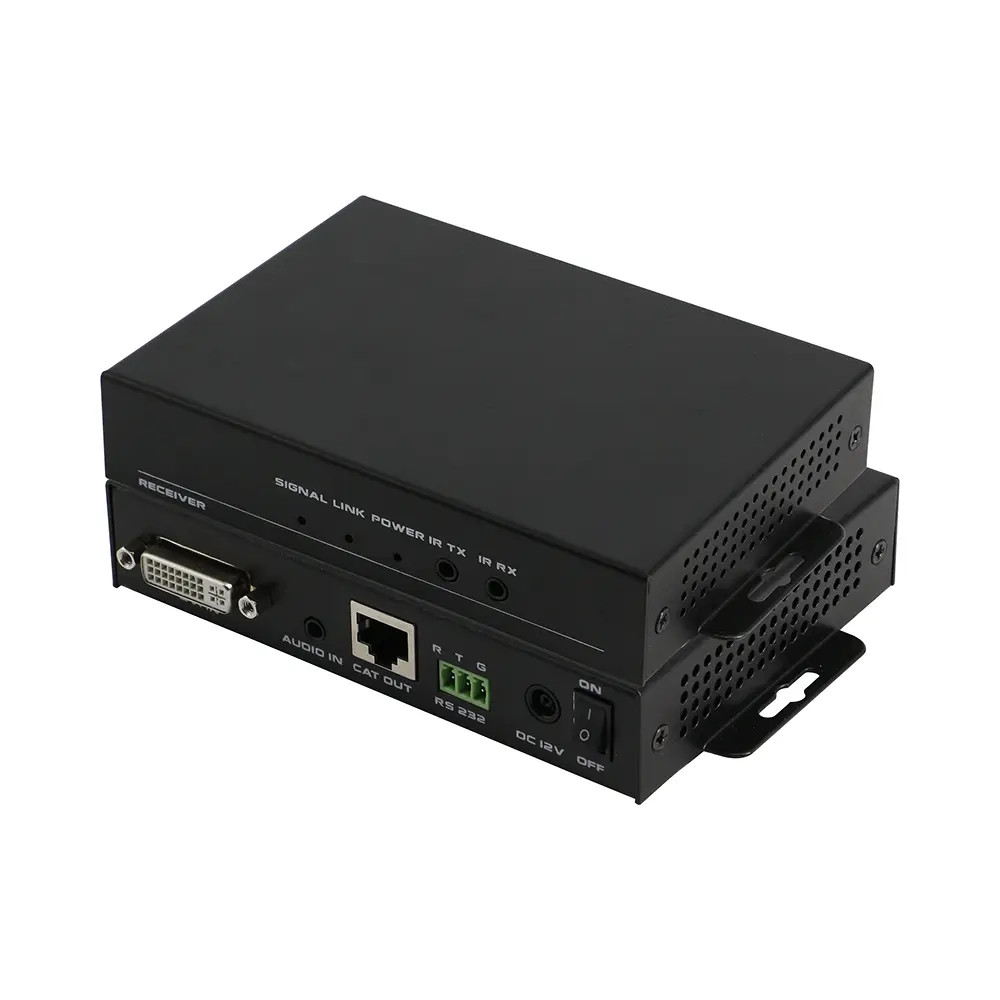
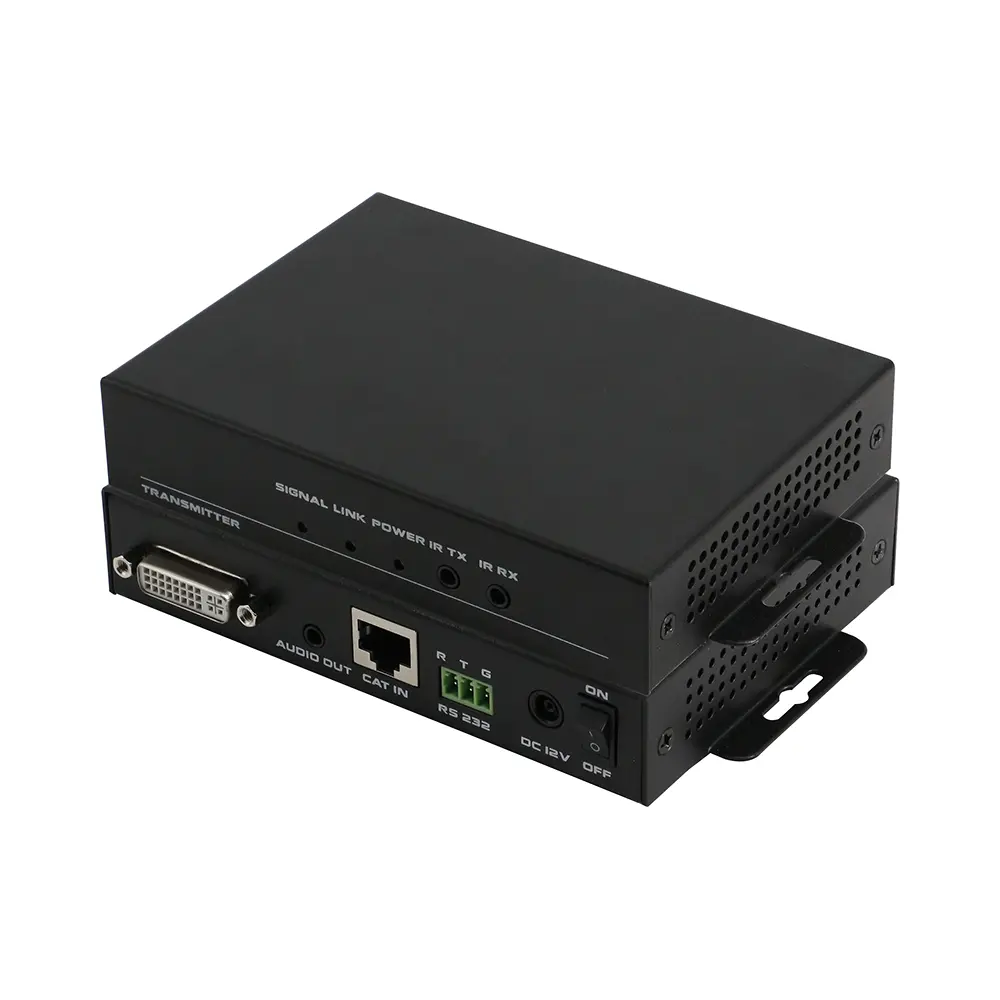
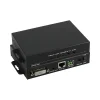
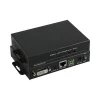
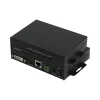
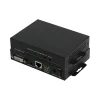
This is an HDBaseT technology extender, it supports no compression, no losses, no latency HDMI signal transmission. It can can work with other HDBaseT equipment, such as Sony HDBaseT projector. All the signals are transmitted by one single CAT5E/ CAT6/ CAT7 cable, for 1080P it can transmit to a distance of 70m(230ft), for 4K30Hz, it can up to 35m(115ft). Compatible with all the HDTV resolutions, HDMI1.4a protocol. It also support bi-directional RS232 and IR transmission and realize the long distance control. Supports power over cable, users only need to power one side; Supports Audio embedded and de-embedded function, it can help users to have more choice whether the internal or external audio input and output; Supports EDID management, it provides users a wider way to work with different displays. So it can be popularly used in media conferencing room, school, government, cinema and so on applications.
특징
- Uses the HDBaseT technology extension over single CAT5e/6/7 cable
- Extend audio video & IR & RS232 Control
- Transmission distance up to 220ft(1080P60) or 110ft(4K60)
- HDMI1.4 and HDCP1.4
- RS232 and IR signal transmission, POC function
- Support EDID management and 3.5mm audio embedded in
사양
EDID DIP switch
| Type | HDBT-DVI-70T | |
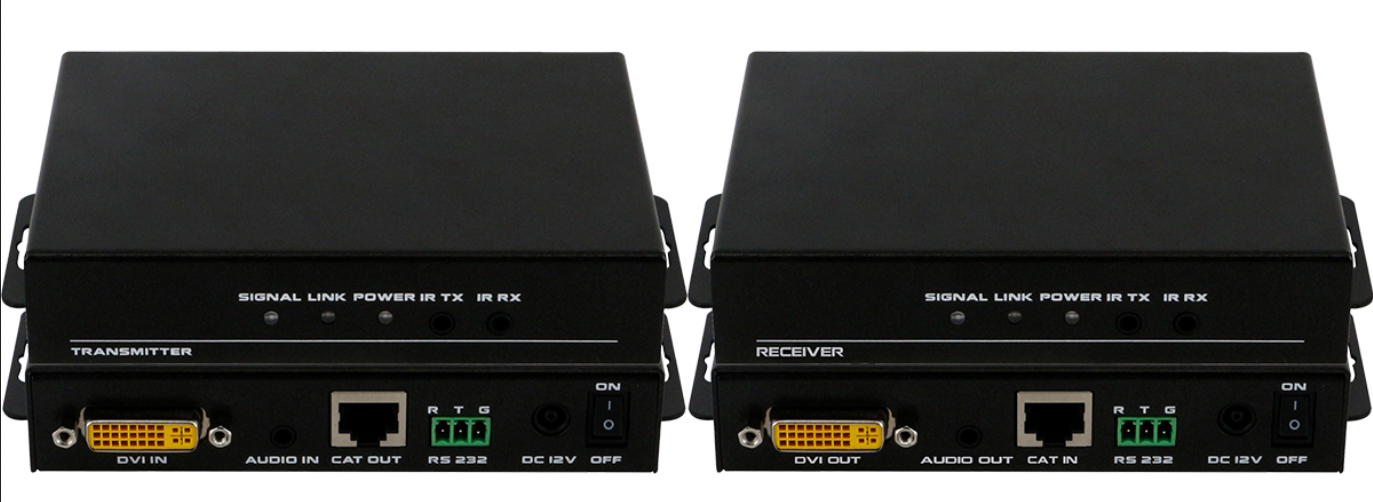
| 입력 | 1×DVI-I, 1×3.5mm Audio, 1×RS232,1×IR-Tx, 1×IR-Rx | |
| 출력 | 1×HDBaseT | |
| Protocol | Supports HDCP, EDID management | |
| 해상도 | All DVI single channel resolutions | |
| 색 공간 | 1080p: 36Bit Deep Color; 4K: 24Bit True Color, 4:2:2 | |
| 대역폭 | 10Gbps | |
| 거리 | 1080p60Hz:70m(Cat6/7) ; 4K30: 35m(Cat6/7) | |
| 차원 | 152×100×27(mm) | |
| 무게 | 200g | |
| 전원 공급 장치 | AC:100-240V 50/60Hz 1.5A Max DC:12V 1500mA | |
| Power consumption | ≤11W | |
| Working Humidity | 10%-90% | |
| Working Temperature | 0℃-50℃ | |
| 보관 온도 | ﹣20℃-75℃ | |
EDID Management DIP Switch
The EDID management map is on the bottom panel of the transmitter, and the DIP switch is just right with the map. Specific functions, please check as below:
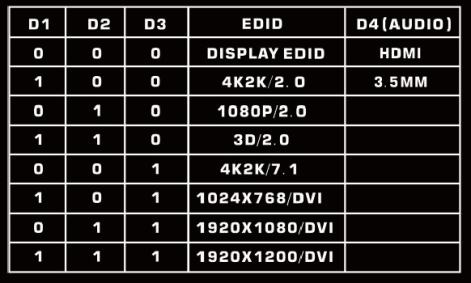
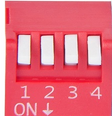 Eg: Users want to use the internal1080P2.0 EDID,
Pull the DIP switch D1,D 2, D3 to 010.
Want to use the Display EDID,
Pull the DIP switch D1,D 2,D 3 to 000.
Want to use the External audio(3.5mm),
Pull the DIP switch D4 to 1
Note: If need to use the internal 3.5mm audio, the video formats must be HDMI.
상품평
아직 상품평이 없습니다.