
はじめに
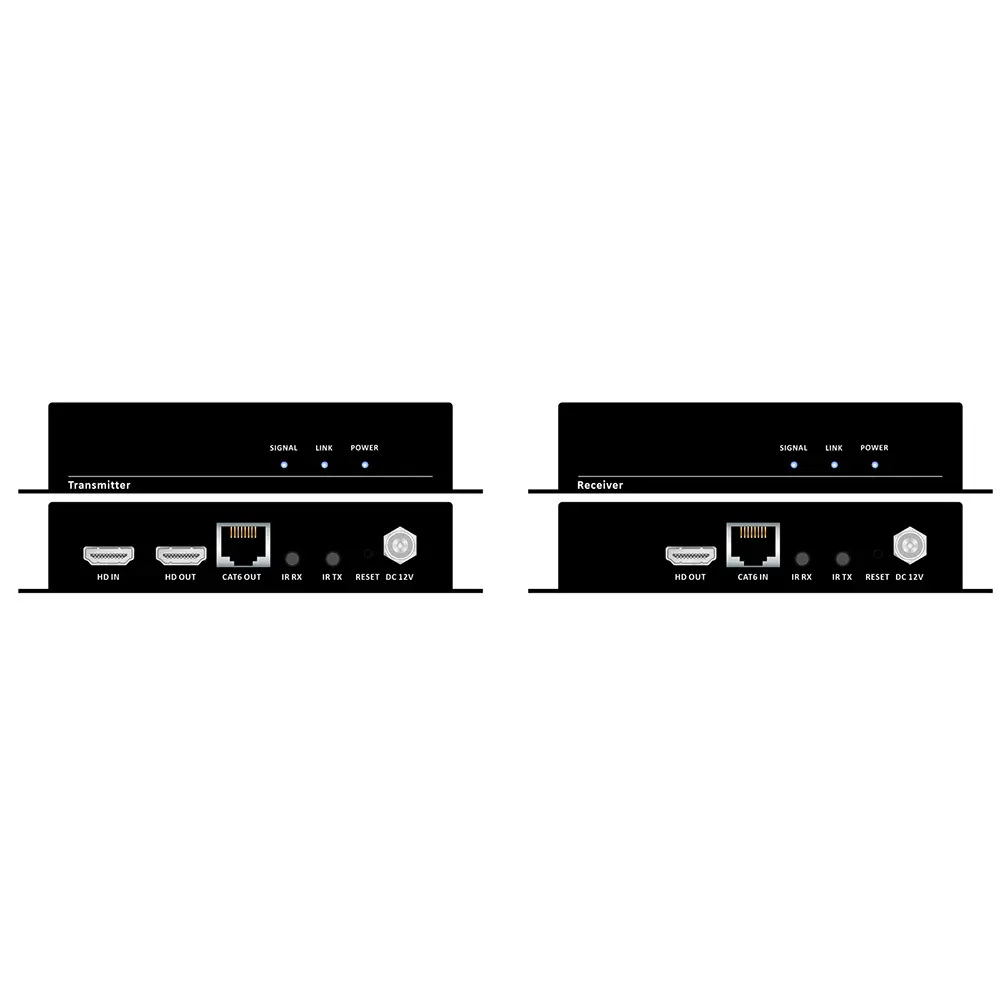
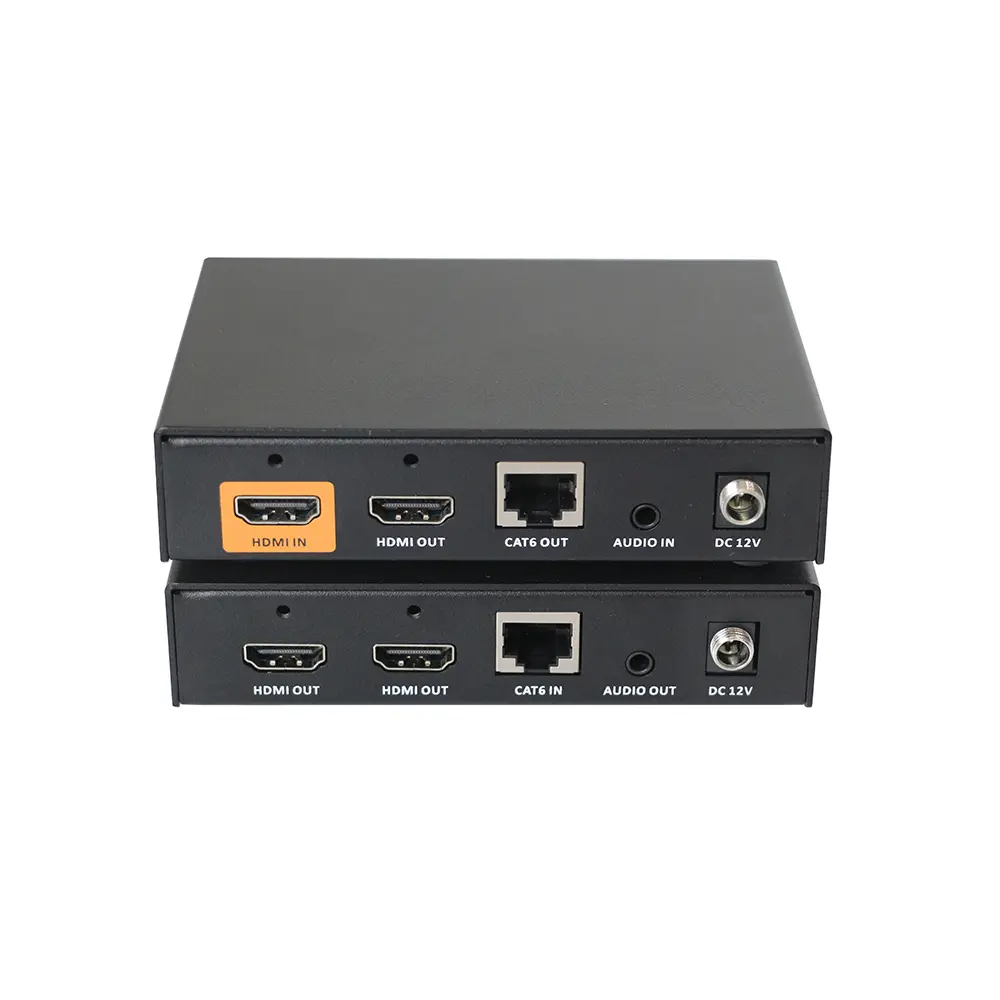
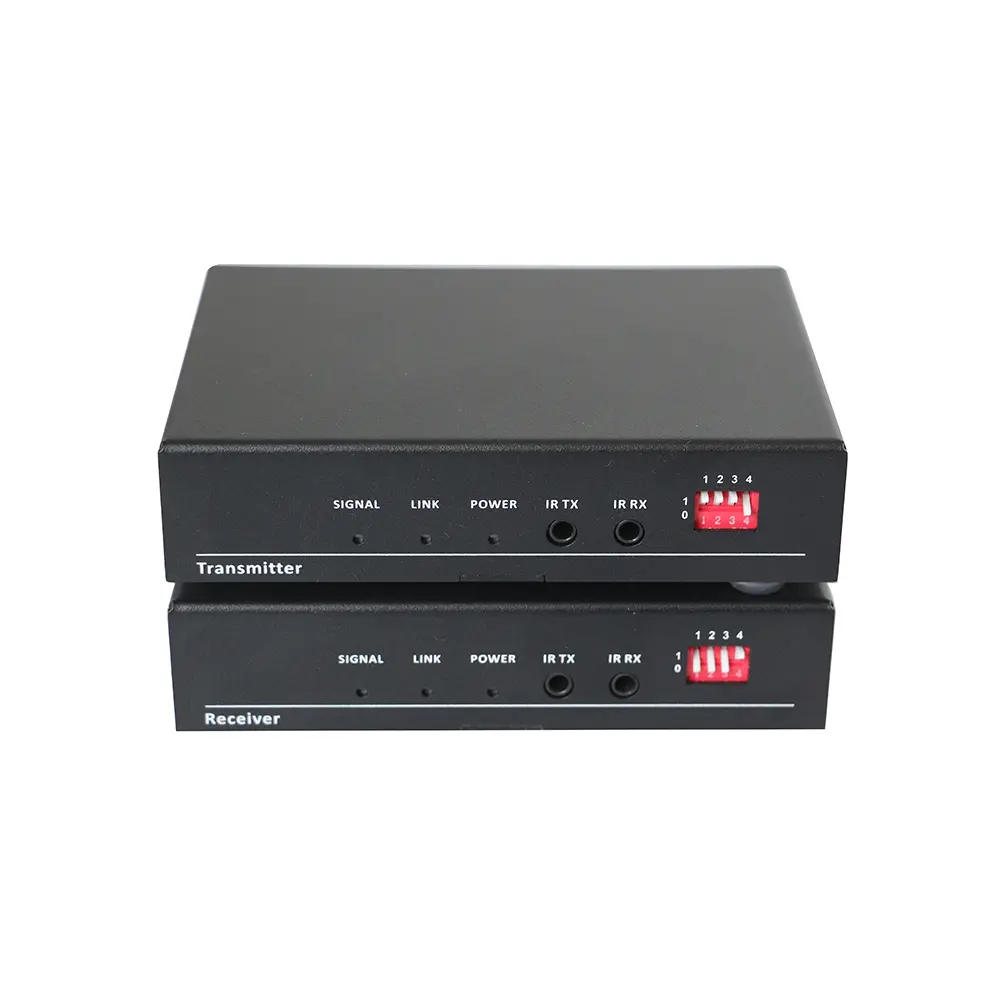
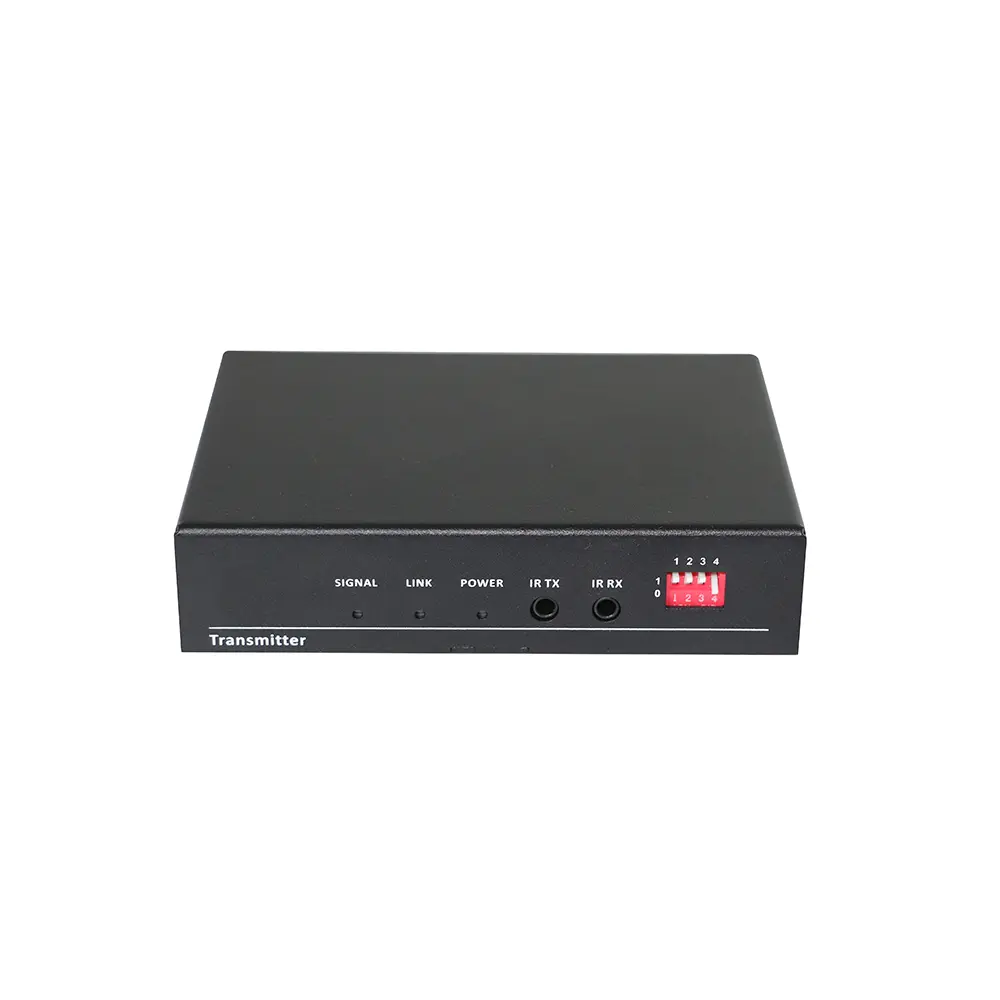
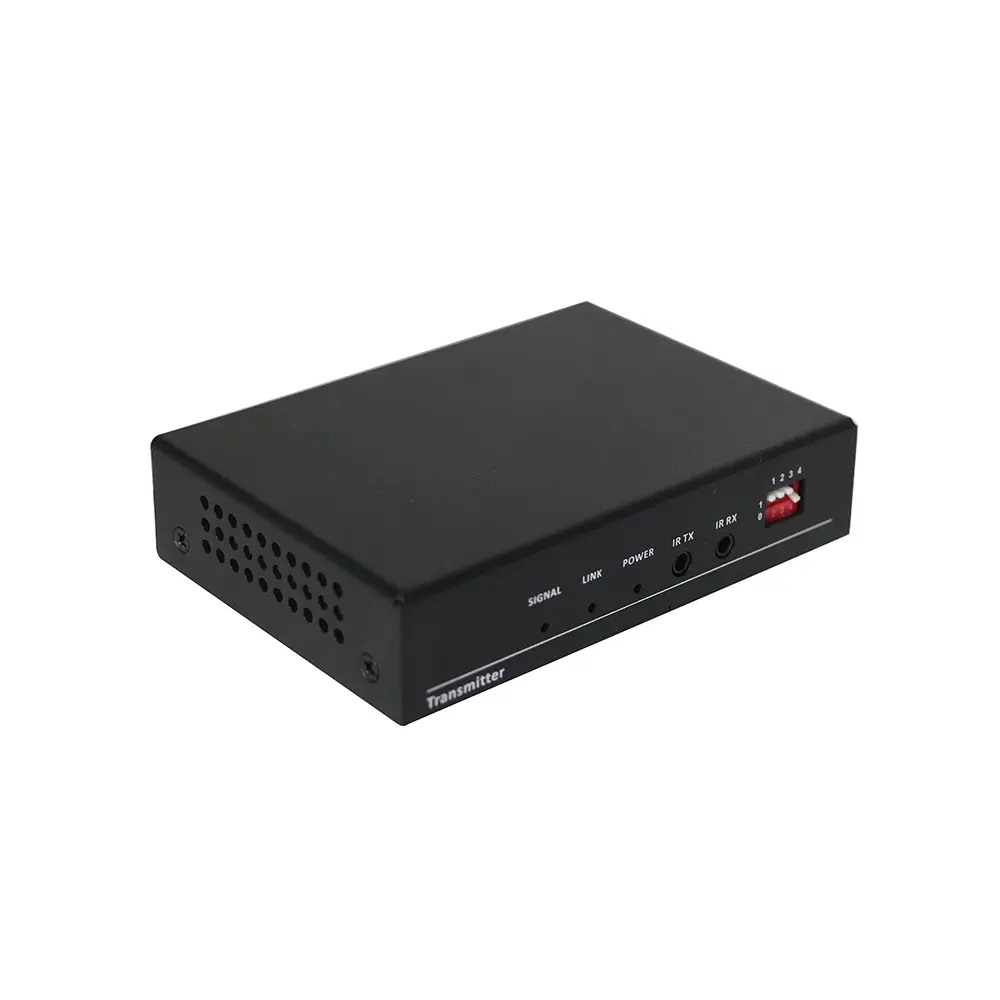
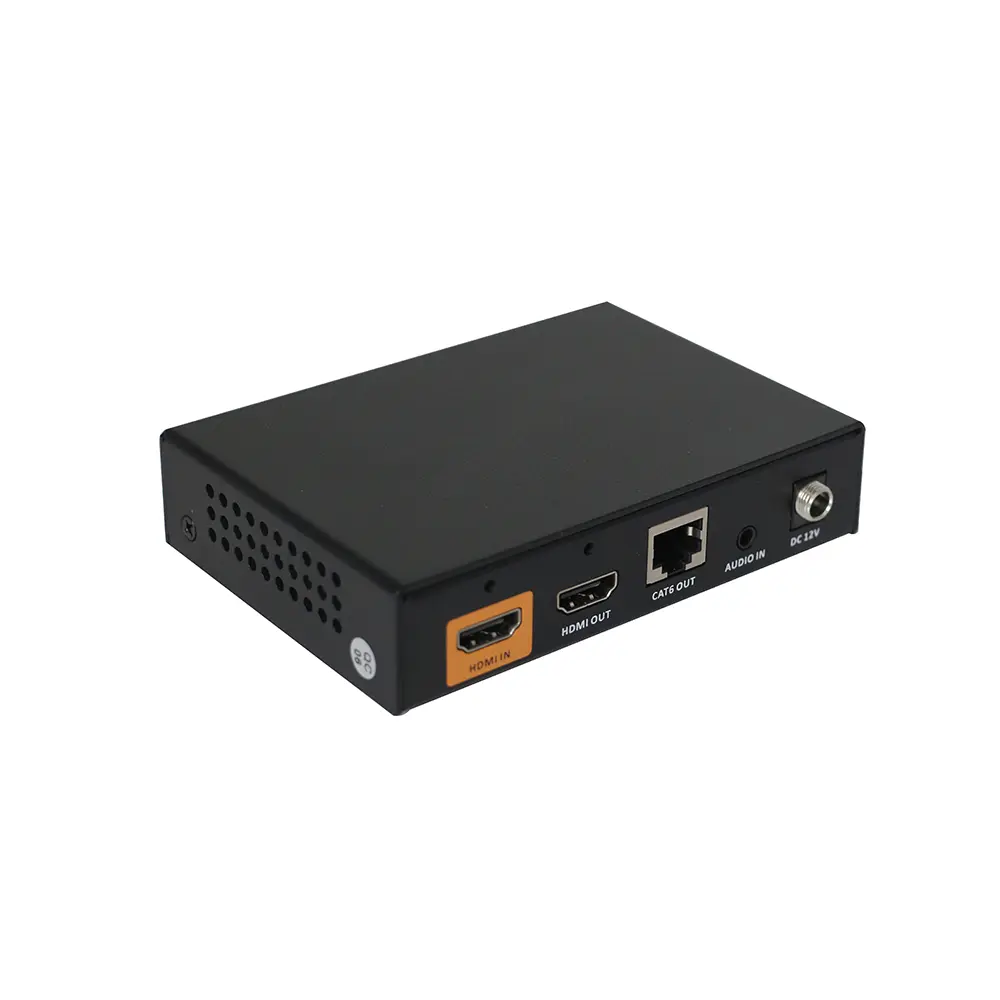
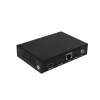
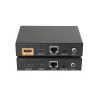
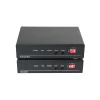
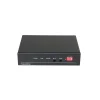
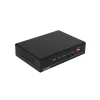
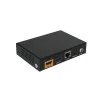
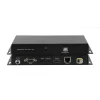
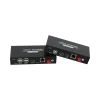
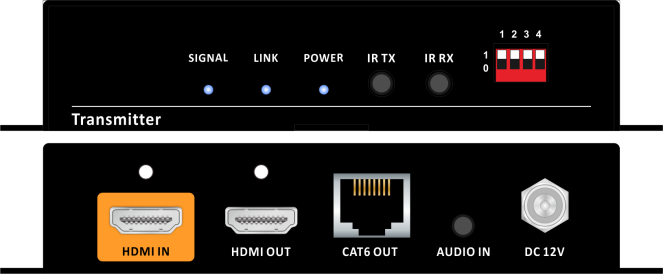
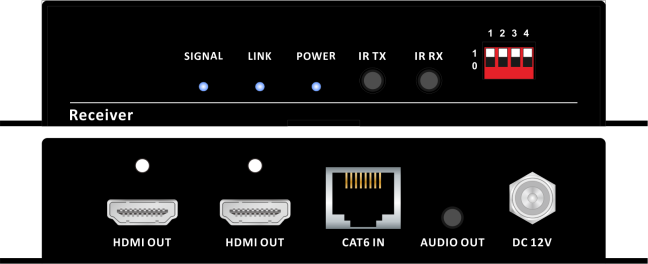
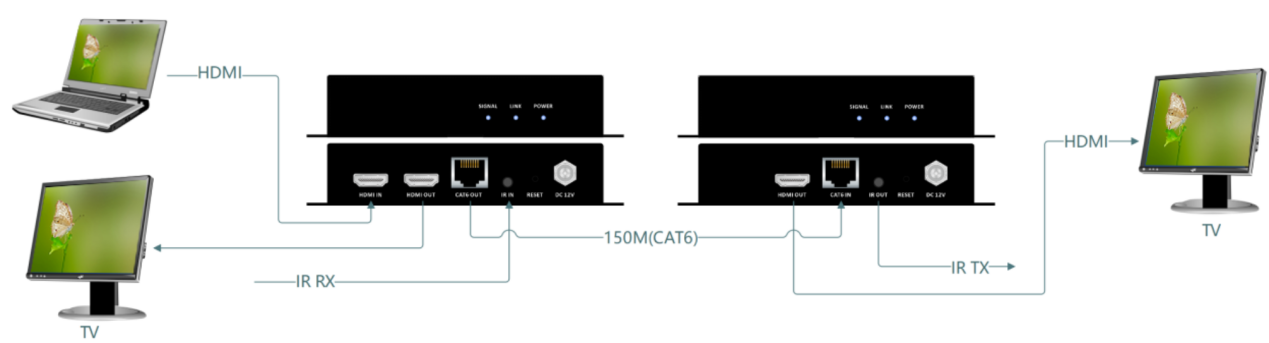
This HDMI extender can transmit the HDMI signal, bi-directional IR over single LAN cable up to 150m/450ft, the resolution up to 1080P@60hz, the transmitter with HDMI loop out and can support POC function, which only needs to power on one side with the DC power adapter.
It can be popularly used in media conferencing room, school, government, cinema and so on applications.
特徴
- Support 1080p@60Hz
- The distance up to 150m over single CAT5e/6/7, can be both STP or UTP cable
- Support POC function, only one side need to use the DC power
- The transmitter supports HDMI loop out
- Support bi-directional IR transmission
- DC power connector with screw to lock
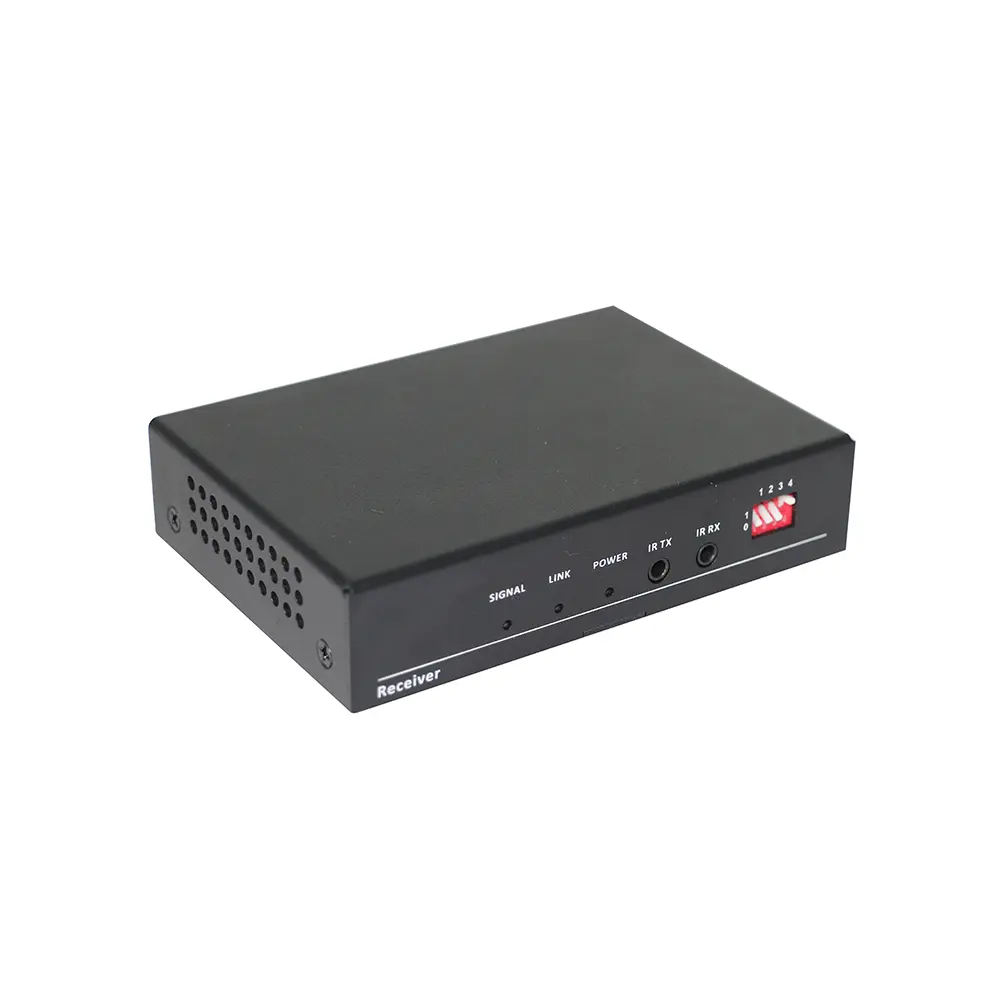
- Front panel indicators for working and system status
仕様
| 名称 | Transmitter | Receiver |
| インプット | 1*HDMI, 1*IR-TX | 1*CAT |
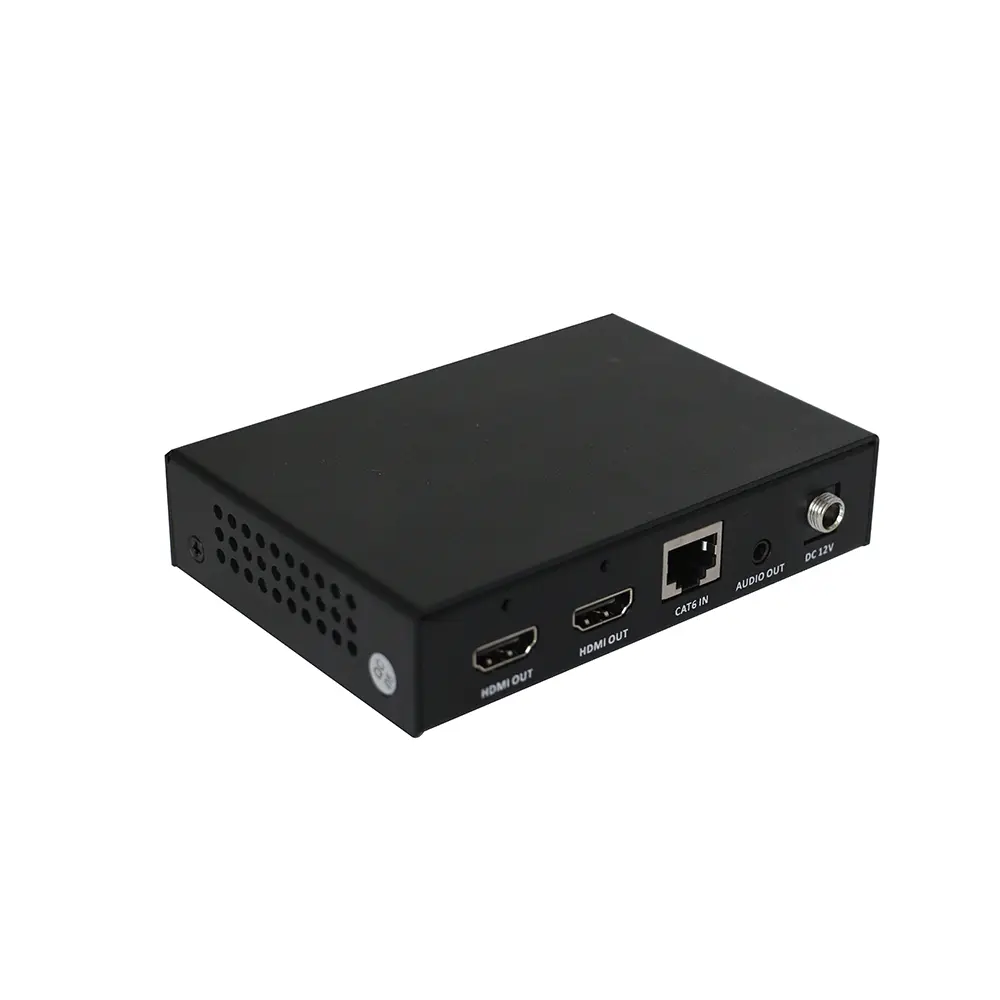
| 出力 | 1*HDMI, 1*CAT | 2*HDMI,1*IR-RX |
| Protocol | HDMI1.3, HDCP 1.2 | |
| 決議 | 1600×1200@60,1680×1050@60,1360×768@60,1400×1050@60,1440×900@60,1920×1200@60, 1280×768@60,1280×800@60,1280×960@60,1280×1024@60,1024×768@60,800×600@60,
640×480@60,1920×1080@60,1280×720@60,1280×720@50,1920×1080@50 |
|
| Color space | 1080p: 36Bit Deep Color 4K: 24Bit True Color, 4:2:2 | |
| 距離 | 150m(1080p60Hz) over single Cat5e/6/7 | |
| Product size(mm) | 120*84*27 | |
| Weight(kg) | 0.15 | |
| パワー | DC12V1.5A | |
| 消費 | 4.4W | |
| Humidity | 10%-90% | |
| 温度 | 0℃-50℃ | |
Connection Diagram
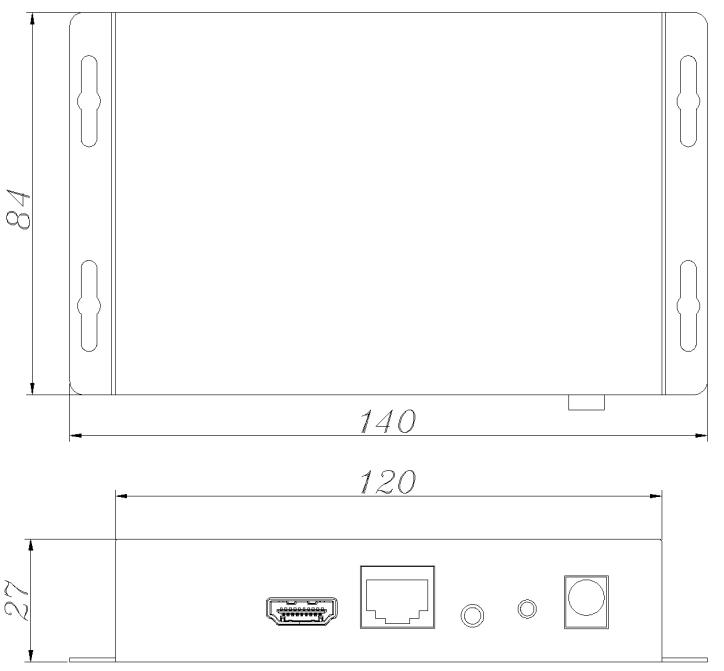
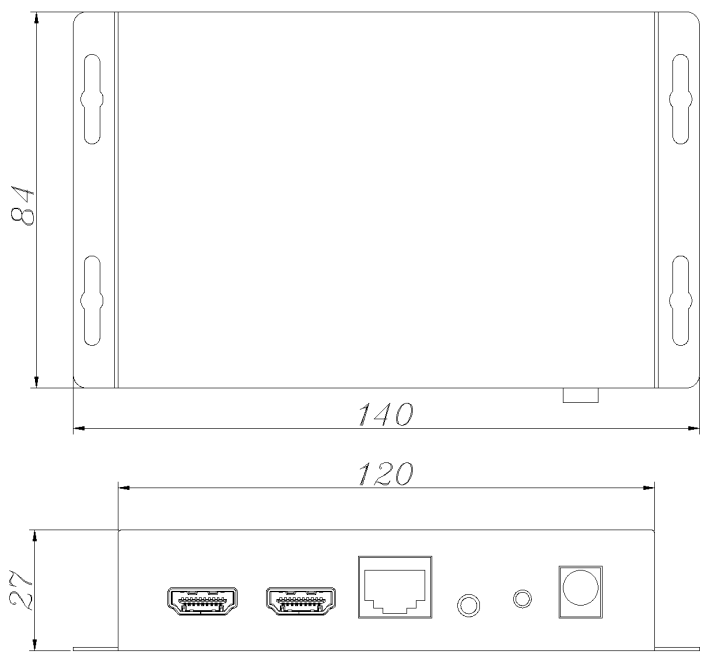 製品寸法(mm)
| Resolution adjustment | オーディオ | ||||
| D1 | D2 | D3 | Function | D4 | Function |
| 1 | 1 | 1 | 4k60/2.1 | 1 | 3.5MM |
| 1 | 1 | 0 | 4k30/2.1 | 0 | internal |
| 1 | 0 | 0 | 1920X1080P60 | 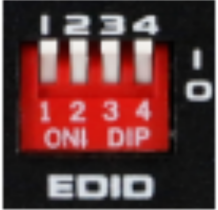 |
|
| 0 | 1 | 1 | 1280x720P60 | ||
| 0 | 0 | 1 | DVI-1920X1080P60 | ||
| 0 | 1 | 0 | DVI-1920X1200P60 | ||
| 1 | 0 | 1 | 1920X1200P60 | ||
| 0 | 0 | 0 | External EDID | ||
*External EDID operation guide: will need to have the display connected to HDMI in on the transmitter to operate. Step 1: Power off transmitter; Step 2: DIP all put to 111 position; Step 3: Have HDMI cable connected; Step 4: Power on Transmitter; Step 5: DIP switch all put to 000; Step 6: wait about 5 seconds(can see the side red indicator flashing).
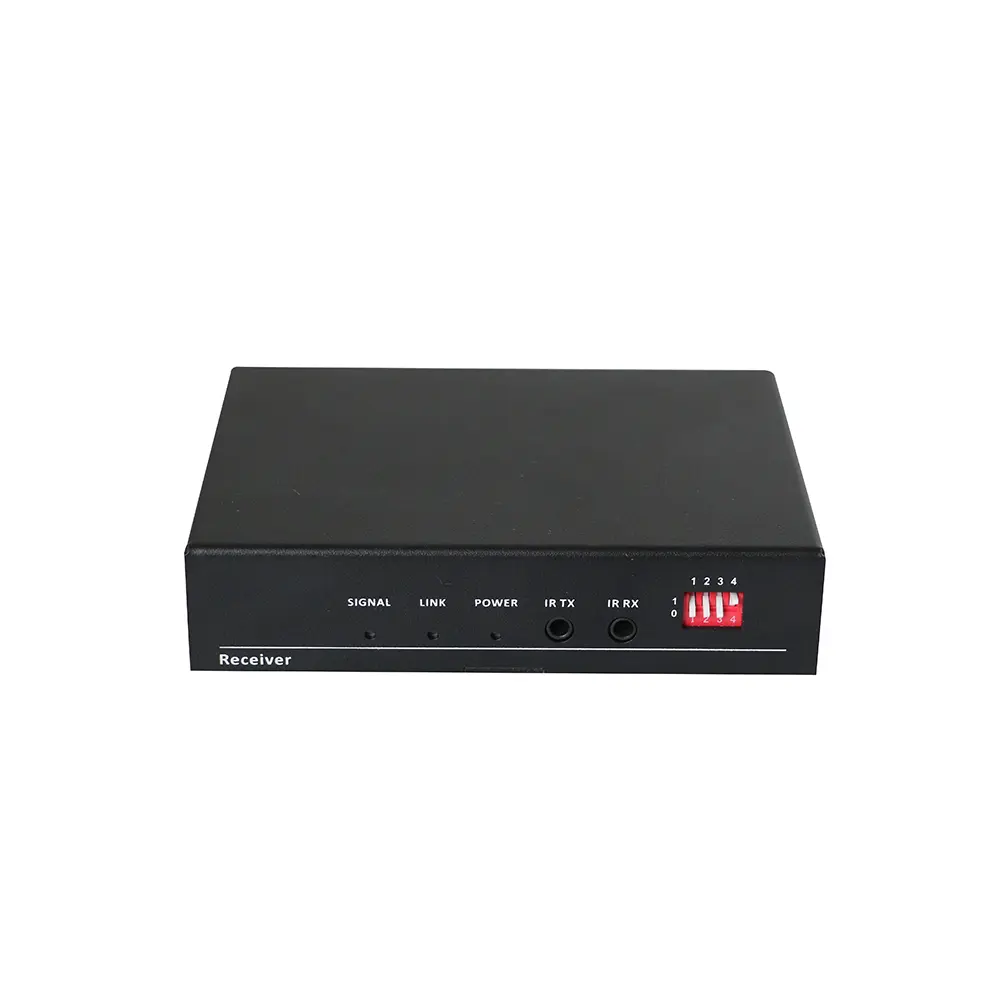
Rx DIP switch setting
| Resolution Scaling | No functions | ||||
| D1 | D2 | Function | D3 | D4 | |
| 0 | 0 | Resolution bypass | 0 | Disable enhancement | Reserved for future functions |
| 0 | 1 | Force the 4K30/50/60 resolution to 1080P30/50/60 | |||
| 1 | 0 | Force 4K50/60 420 resolution to 4K50/60 444 | 1 | Enable enhancement | |
| 1 | 1 | Force YUV to RGB | |||
レビュー
レビューはまだありません。